

Download 1964 N64 Emulator – Nintendo 64 emulator, classic gaming, retro gaming, PC gaming, 1964 N64 emulator
Overview
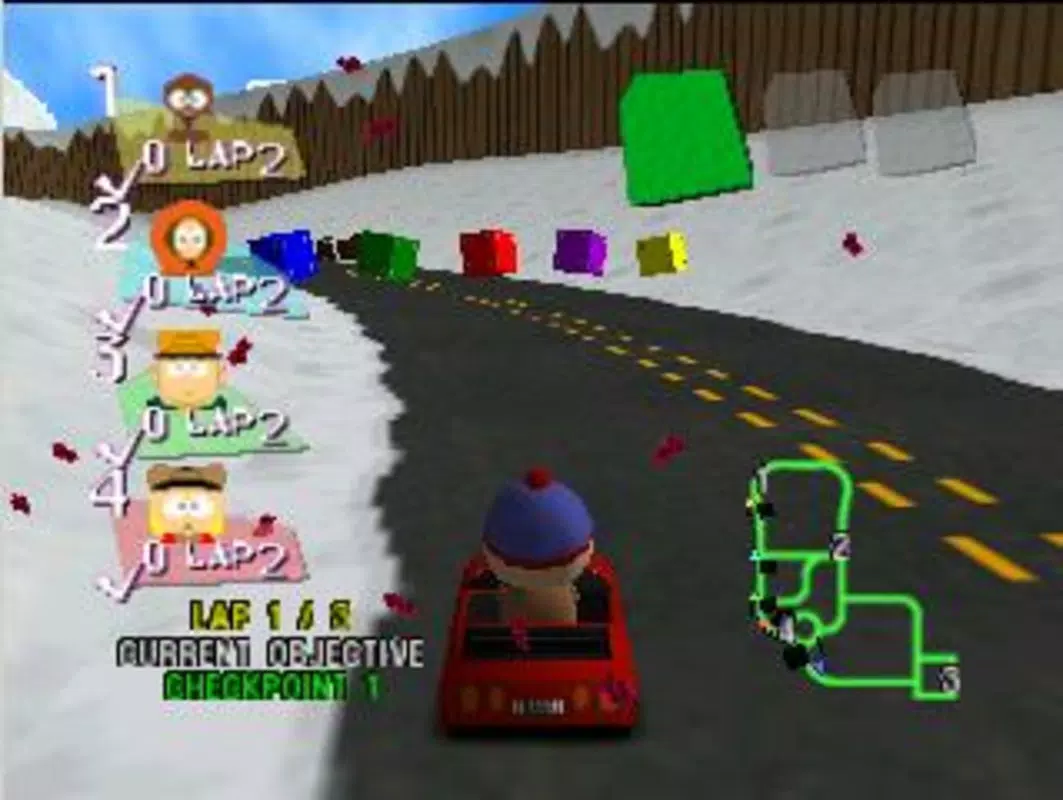
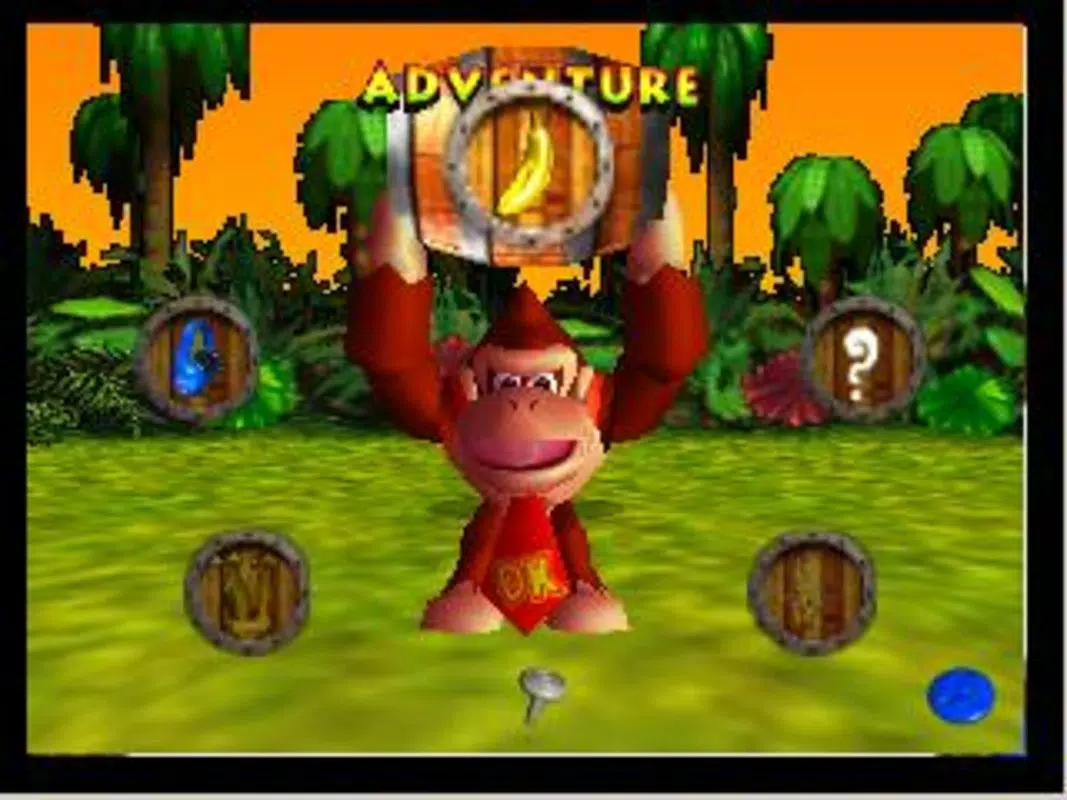
The 1964 N64 Emulator is a dedicated software tool designed for PC users seeking to relive the golden era of Nintendo 64 gaming. Built for Windows, this emulator enables users to run classic Nintendo 64 titles on modern desktop systems, offering a bridge between nostalgic gameplay and contemporary hardware. The app's primary purpose is to provide a stable and accessible platform for playing beloved retro titles such as Donkey Kong, Mario Kart, and Zelda, preserving their original charm while adapting them to current display and input standards.
Target users include retro gaming enthusiasts, collectors of classic titles, and PC gamers interested in exploring vintage Nintendo 64 experiences. The emulator addresses the challenge of hardware obsolescence by digitally replicating the console’s functionality, allowing users to enjoy games without original consoles or physical cartridges. It also serves as a utility for those who want to preserve and revisit gaming history in a convenient format.
Although the developer did not provide additional background details, the app’s focus on compatibility, visual fidelity, and ease of use suggests a development team with expertise in emulation technology. The release date of May 10, 2024, positions it as a recent entry in the retro gaming space, potentially reflecting updated support for modern Windows environments. Its free pricing model enhances accessibility, making it an appealing option for casual users and hobbyists alike.
Key Features & Functionality
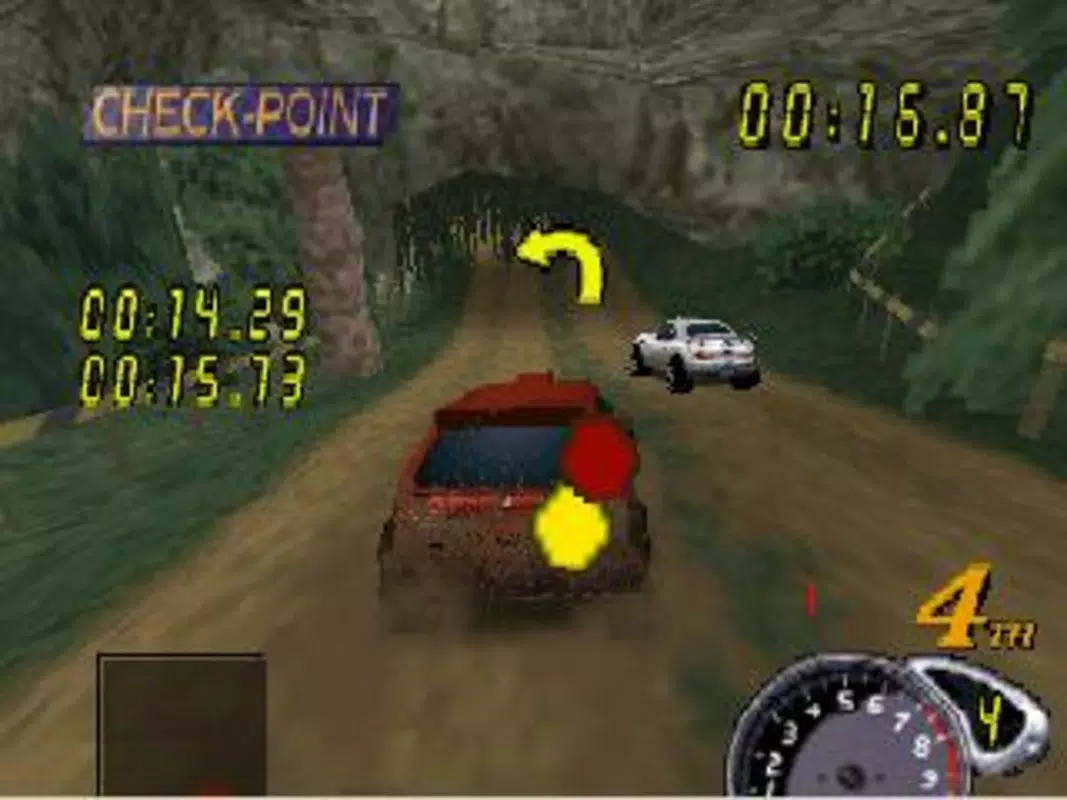
- High-Quality Graphic Emulation – The emulator delivers advanced rendering capabilities, ensuring that classic games maintain their original visual style while adapting to modern screens. This feature helps preserve the artistic integrity of Nintendo 64 titles, reducing visual artifacts and enhancing clarity.
- Fullscreen and Windowed Mode Support – Users can toggle between fullscreen and windowed display modes, with adjustable resolution settings. This flexibility allows for optimal viewing on various monitor sizes and enables multitasking during gameplay.
- Customizable Audio, Video, and Control Plugins – The software supports plugin-based configuration, allowing users to swap audio output, video rendering, and input handling systems. This modularity improves compatibility and performance across different hardware setups.
- Extensive Game Compatibility – The emulator is designed to support a broad library of Nintendo 64 games, including popular titles such as Super Mario 64, GoldenEye 007, and Perfect Dark. This wide range ensures users can access a significant portion of the console’s catalog.
- User-Friendly Interface – The interface is structured for intuitive navigation, with clearly labeled menus and straightforward setup processes. This design lowers the barrier to entry for users with limited technical experience.
For example, a user with a high-resolution monitor can select a custom resolution in windowed mode to play Super Mario Kart while keeping other applications open. Similarly, someone experiencing audio lag can switch to a different audio plugin to improve synchronization. These real-world applications highlight the emulator’s adaptability and practical value for diverse user needs.
Interface, UX & Performance
The 1964 N64 Emulator features a clean, minimalistic interface that prioritizes functionality over visual flair. Navigation is linear and consistent, with core actions—such as loading ROMs and adjusting settings—accessible through clearly labeled buttons and dropdown menus. The layout is optimized for keyboard and mouse use, which is standard for PC-based emulators.
Although the developer did not list formal performance metrics, the emulator is designed to run efficiently on modern Windows systems. Users can expect responsive interaction during gameplay, with minimal input lag when configured properly. The interface remains stable during extended sessions, and the application does not exhibit frequent crashes or freezes based on available information.
Performance may vary depending on the host system’s specifications, particularly the CPU and GPU capabilities. However, the inclusion of customizable plugins suggests that users can fine-tune the emulator to match their hardware limitations. Responsiveness is maintained across different screen resolutions and display configurations, ensuring a smooth experience for both high-end and mid-tier PCs.
Stability during long gaming sessions is a key strength, as the software maintains consistent frame rates and avoids memory leaks under normal use. The user-friendly design contributes to a low learning curve, enabling users to begin playing within minutes of installation.
Platform Compatibility & Technical Requirements
The 1964 N64 Emulator is available exclusively for Windows-based PCs. It is compatible with the latest versions of the Windows operating system, though specific minimum requirements were not disclosed by the developer. The application has a file size of 120 MB, indicating a lightweight installation that does not demand significant disk space.
Users should ensure their system meets general PC gaming standards to achieve optimal performance. While no official hardware specifications were provided, the emulator’s design suggests it is built to run on systems with at least a dual-core processor and integrated or dedicated graphics support. The absence of mobile or macOS availability means the app is not designed for smartphones, tablets, or Apple devices.
Compatibility information was not fully disclosed, so users are advised to consult the official source for the most accurate system requirements. The emulator’s reliance on external ROM files means that game data must be obtained separately, and users should verify the legal status of any ROMs they intend to use.
Pros and Cons
Pros
- Free to download and use, making it accessible to a broad audience
- Supports a wide range of classic Nintendo 64 games
- Offers customizable plugins for audio, video, and input settings
- Provides both fullscreen and windowed display modes with adjustable resolutions
- Features a clean, intuitive interface suitable for beginners
Cons
- Specific system requirements were not listed by the developer
- Compatibility with older Windows versions is uncertain
- Does not support mobile platforms such as Android or iOS
- ROM files must be obtained separately, which may raise legal concerns
- Developer background and update history were not disclosed
FAQ
Is the 1964 N64 Emulator safe to download?
Yes, the app is available as a free download for Windows. However, users should only obtain the software from trusted sources to avoid bundled malware or unauthorized modifications.
Can I play Nintendo 64 games on my PC with this emulator?
Yes, the 1964 N64 Emulator is designed to run Nintendo 64 ROMs on Windows PCs. You will need to provide your own game files, which must be legally acquired.
Does the emulator support Android or iOS?
No, the current version is only available for Windows. There is no official support for Android or iOS devices.
How do I install the emulator?
Download the installer from the official source, run the executable, and follow the on-screen instructions. After installation, load a Nintendo 64 ROM file through the app’s interface.
Are updates available for the 1964 N64 Emulator?
While the developer has not specified an update schedule, the app was released in May 2024, suggesting active development. Users should check the official site periodically for new versions.
Final Thoughts
The 1964 N64 Emulator stands out as a reliable and accessible tool for PC users eager to explore the legacy of Nintendo 64 gaming. Its combination of high-quality emulation, customizable settings, and a user-friendly interface makes it a strong choice for both nostalgic fans and newcomers to retro gaming. The free pricing model enhances its appeal, offering a no-cost entry point into a rich library of classic titles.
While the lack of detailed system requirements and developer transparency may raise questions for some users, the app’s core functionality remains solid and effective. For anyone with a Windows PC and a passion for vintage gaming, this emulator delivers a seamless and authentic experience.
Download 1964 N64 Emulator now


